Building Your Bot
Learn how to add features to your Discord bot using the Bot Builder and Templates.
Two Ways to Build
VibeBot gives you two ways to add features to your bot. Pick the one that fits, or use both together.
Bot Builder
Describe what you want in plain English. The builder writes and ships the code.
Templates
Pre-built templates for common features. Configure them with a visual interface.
Understanding Behaviors
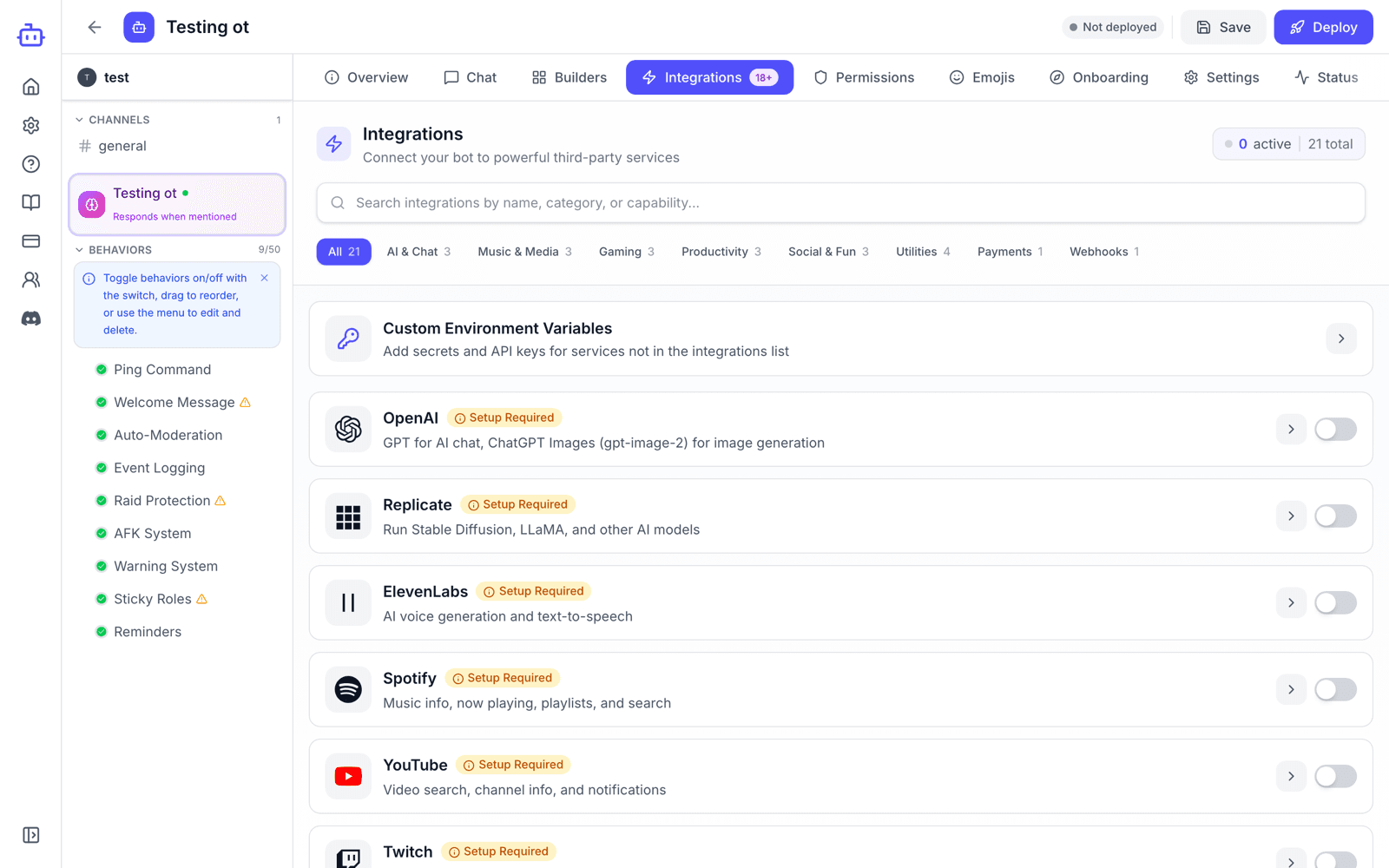
Templates and the Bot Builder both create behaviors — a trigger plus actions. Templates use preset actions you configure in a form; the builder writes the action code itself and publishes it to your bot.
Trigger
What starts the behavior: a command, event, message pattern, or reaction.
Actions
What the bot does when triggered: send messages, add roles, kick/ban, etc.
Quick Start Examples
Common bot features and the prompts that build them:
Welcome Bot
When someone joins, send a welcome message in #welcome and give them @Member roleGreet new members and assign roles on join.
Moderation Commands
Create /kick and /ban commands that only @Moderator can useBasic moderation tools with permission checks.
Auto-Responder
When someone says "!rules" send the server rules to #generalRespond to specific messages or keywords.
Reaction Roles
When someone reacts with 🎮 give them @Gamer roleLet users self-assign roles by reacting to messages.
Pro Tips
- Use Templates for common features to save AI credits.
- Combine behaviors to build more involved bots.
- Test behaviors one at a time before deploying.
- Connect your server first to reference channels and roles.
- Click a template behavior to edit or disable it. For builder-written features, ask the builder.