Getting Started with VibeBot
Welcome to VibeBot. Get your first Discord bot running.
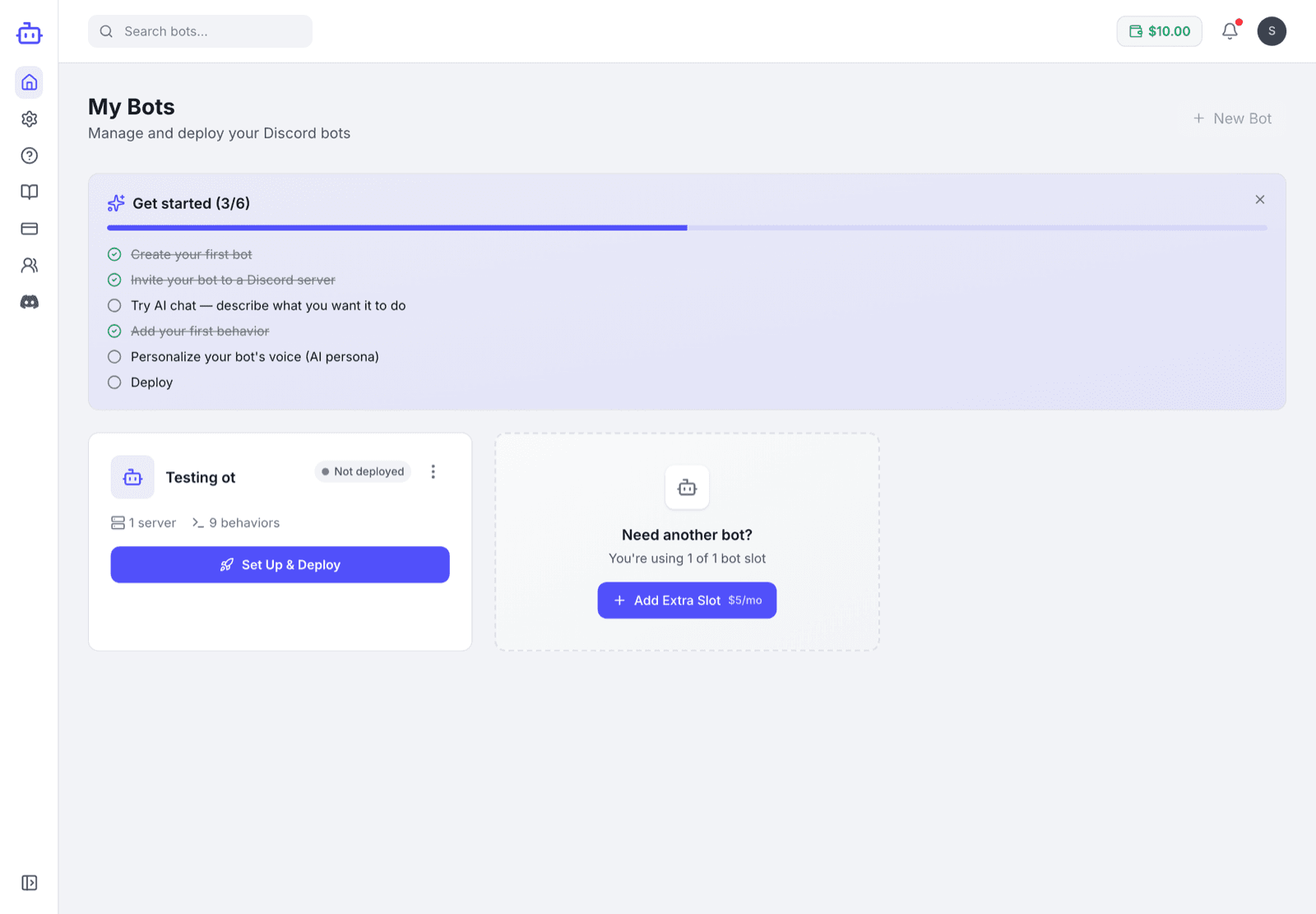
What is VibeBot?
VibeBot is a no-code Discord bot builder. Describe what you want in plain English, or pick from pre-built templates.
Key Features
VibeBot AI-Powered Building
Describe your bot in plain English. Reference channels with #channel and roles with @role.
39 Pre-Built Templates
Pick from ready-to-use templates. Templates never spend AI credits.
Behavior System
Bots are built from behaviors - triggers (what starts it) and actions (what it does).
AI Chat Personas & Roleplay
Add an AI chat persona with custom instructions and short-term memory. Powered by Gemini 2.5 Flash.
Live with one button
Press one button, and your bot is live. Your bot runs continuously on our infrastructure, no servers to manage.
How It Works
Create Your Bot
Start by creating a new bot in your dashboard. Give it a name and connect it to your Discord server.
Add Behaviors
Describe features in the Bot Builder, or pick from 39 pre-built templates.
Deploy & Test
Press Put live, invite your bot to your server, and test it. Your bot starts when the build finishes, usually in under a minute. After each change, press Put live again.
Core Concepts
Behaviors
Behaviors define your bot's actions. Each behavior consists of:
- Trigger: What starts the behavior (a command, event, message, or reaction)
- Actions: What the bot does when triggered (send message, add role, kick user, etc.)
Bot Builder vs Templates
Spends credits on a per-token basis. Best for custom, specific features — describe them in plain English. A bot that is already running keeps answering your members while it builds.
Always free, never spend credits. Ready-to-use templates for common features. Visual configuration.
Discord Integration
VibeBot integrates directly with Discord. You'll need a Discord Bot Token to deploy your bot. We'll guide you through getting one in the deployment section.
Ready to Get Started?
Stuck, or want to show off what you built?
Join the VibeBot Discord for help, updates, and direct feedback from the team.